Connect your studio to the world.
In seconds.

Introducing a new way for producers to collaborate online.
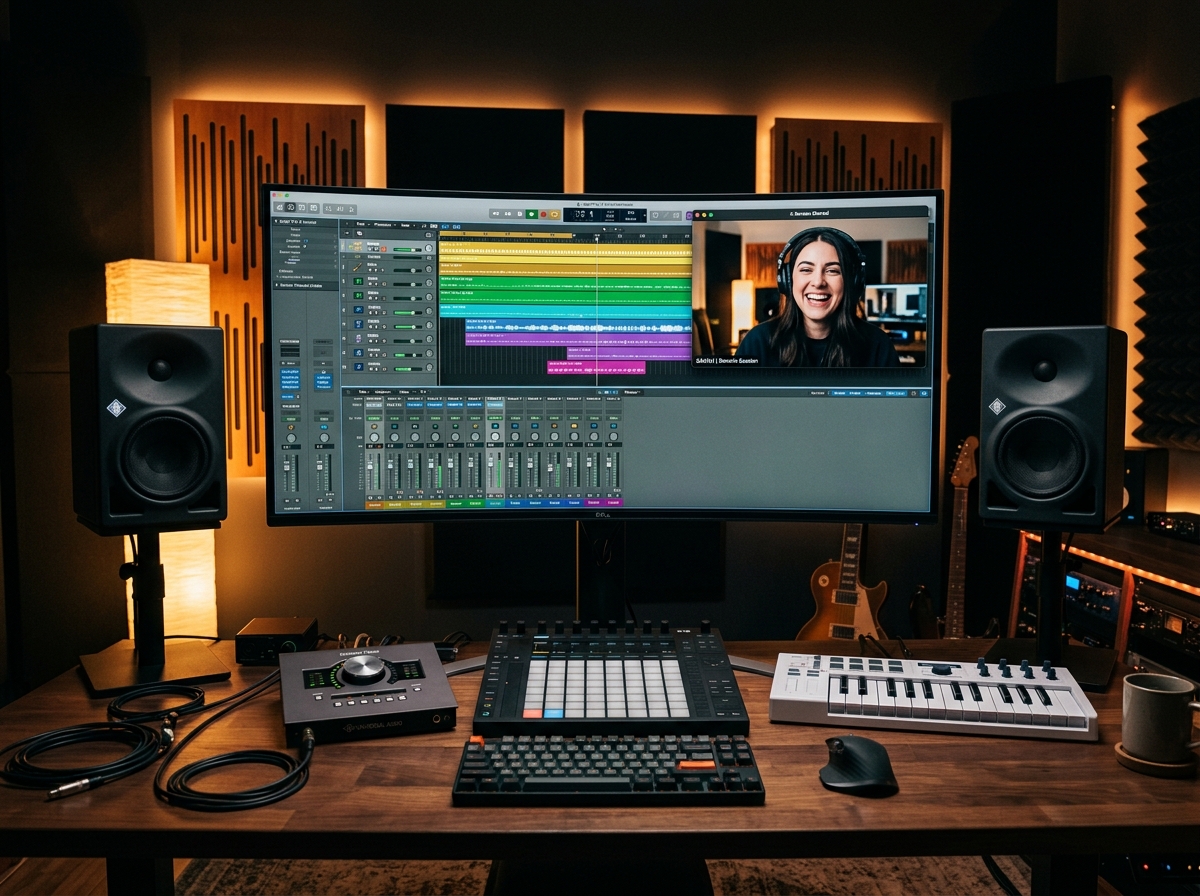
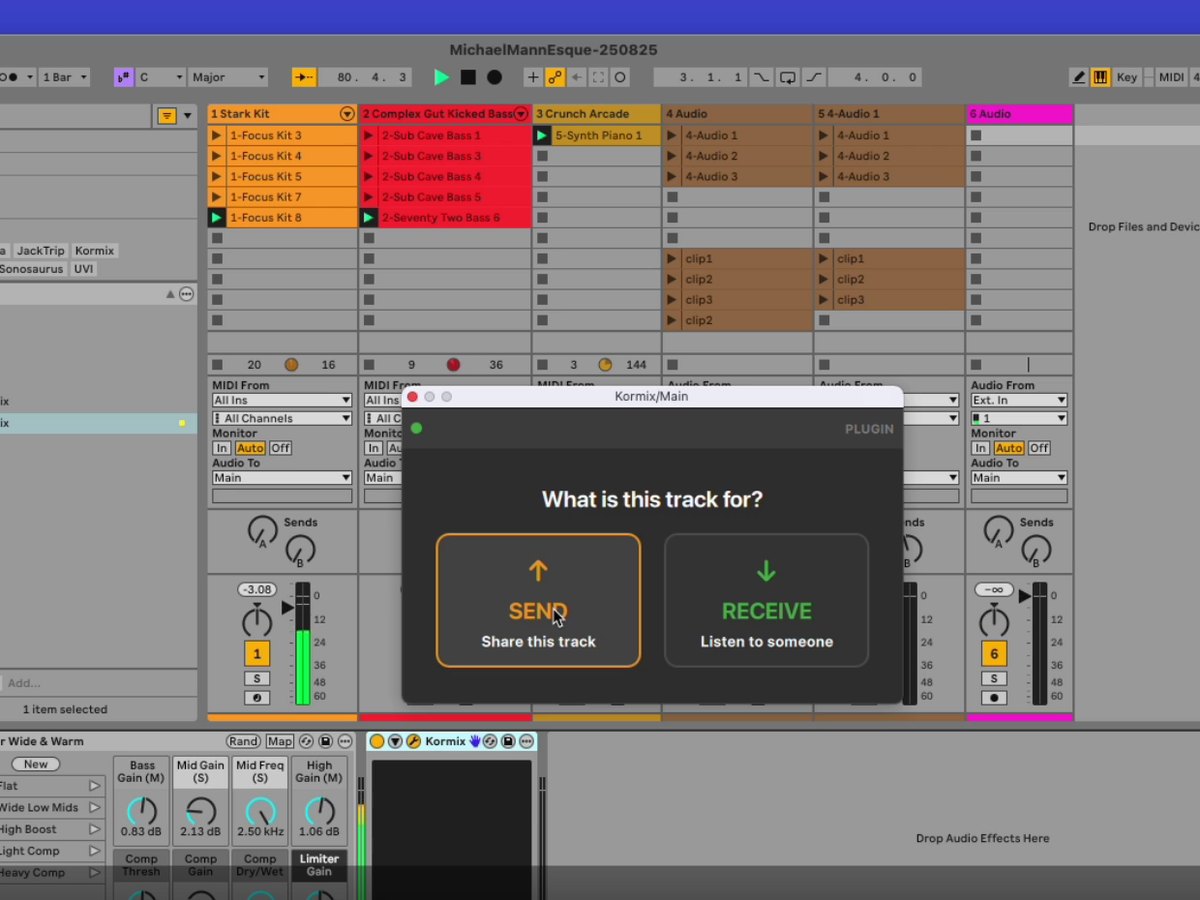
Start a session, share the link, and get connected — with lossless audio and hardware-accelerated video. Load the plugin in your DAW and your studio output goes straight into the room.

Available on macOS & Windows · VST3 & AU plugins included

48-96kHz

Lossless PCM32 audio

VST3 · AU

One unified plugin

Unlimited

Plugin instances

Seconds

To start a session

What is it?

Simple collaboration, with studio-quality audio

Kormix is brand new, purpose-built software that lets you connect your workstation audio to the world with a few clicks. In one app you can route lossless audio anywhere in the world, while seeing and talking with your collaborators in real-time. Everything you need to collaborate on music projects, all in one place.

How it works

Up and running in three steps

No routing nightmares, no config. If your DAW has the plugins loaded, Kormix portal switches mode seamlessly and audio flows automatically from your DAW.

1

Start a session

Open Kormix and create a session, or paste an invite code from a collaborator.

2

Connect

One click and you're connected. See and talk with everybody in the session, with a dedicated talkback channel.

3

Load the plugin

Load the VST3/AU plugin in your DAW. The portal senses this automatically and lossless audio from the DAW routes straight into your session.

Sessions, streams and channels

One room. You decide what goes in and out.

A session is a room. You publish the audio you want heard into it as streams, and every stream in the room comes back to you as a channel on your mixer. Nobody has to route anything to you, and what you do to your own mix changes nothing for anyone else.

The session is the room

Start one and you get a machine of your own in a region near you, plus a link to share. Everyone you invite is in the same room, hearing the same thing. It runs while you need it and is gone when you close it.

You send streams

A stream is one stereo feed published into the room — a Send plugin on a DAW track, or the app carrying your interface. Send a finished mix, or a stream per stem. The session's plan sets how many can be live at once.

You receive channels

Every stream in the room arrives as a channel on your mixer — one fader each, with gain, pan, mute and its own record arm. Or point a Receive plugin at a single channel to land it on its own DAW track.

Colourful audio waveform visualisation
Lossless audio

Hear every detail. Nothing lost.

Kormix carries true lossless PCM audio — your takes arrive exactly as they left, ready to drop into the mix.

  • 16, 24 and 32-bit PCM
  • 48kHz and 96kHz sample rates
  • High-quality resampling for any host configuration
Backlit pad controller in a darkened studio
Recovery transport

The network drops packets. Kormix puts them back.

Every tool that carries audio over the internet has to deal with packets that go missing. Most of them paper over it — conceal the gap, interpolate across it or skip ahead — and you hear that as a click, a glitch or a swallowed word. Kormix throws nothing away. A packet that goes missing is asked for again until it arrives, and a packet that arrives damaged is caught and fetched again rather than played.

  • Lost packets re-requested — never concealed, faked or skipped
  • Damaged packets caught by the encryption's own integrity check
  • A receive buffer covers the repair while it happens
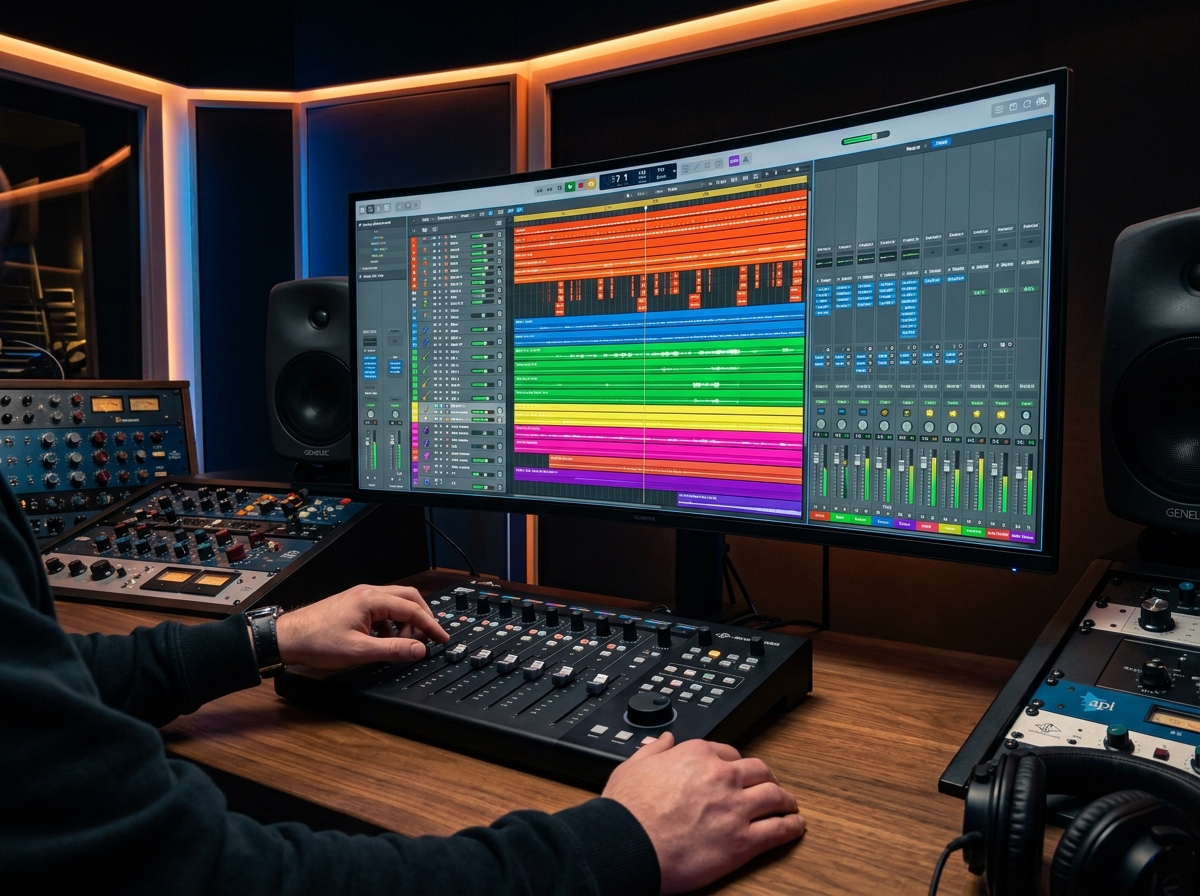
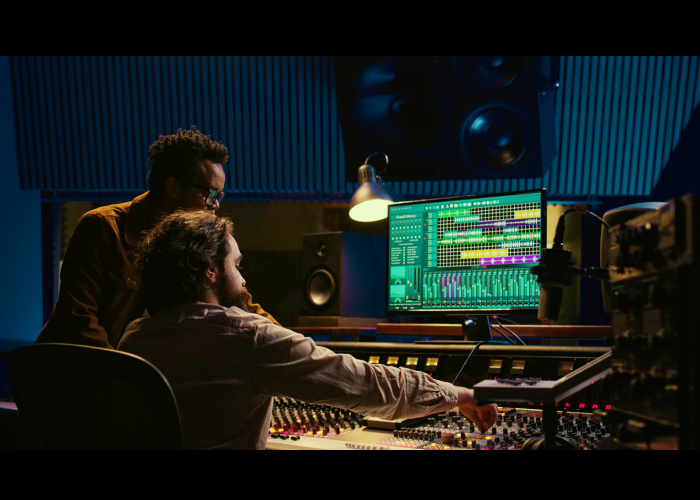
Producers working together at a mixing desk with a DAW on screen
Unified plugin

One plugin. Send and receive.

A single streamlined architecture for VST3 and AU. Run as many instances as you like — limited only by your network, not by the software.

  • VST3 & AU, send or receive per instance
  • Unlimited instances across your project
  • Plugins automatically connect to the session and start routing audio
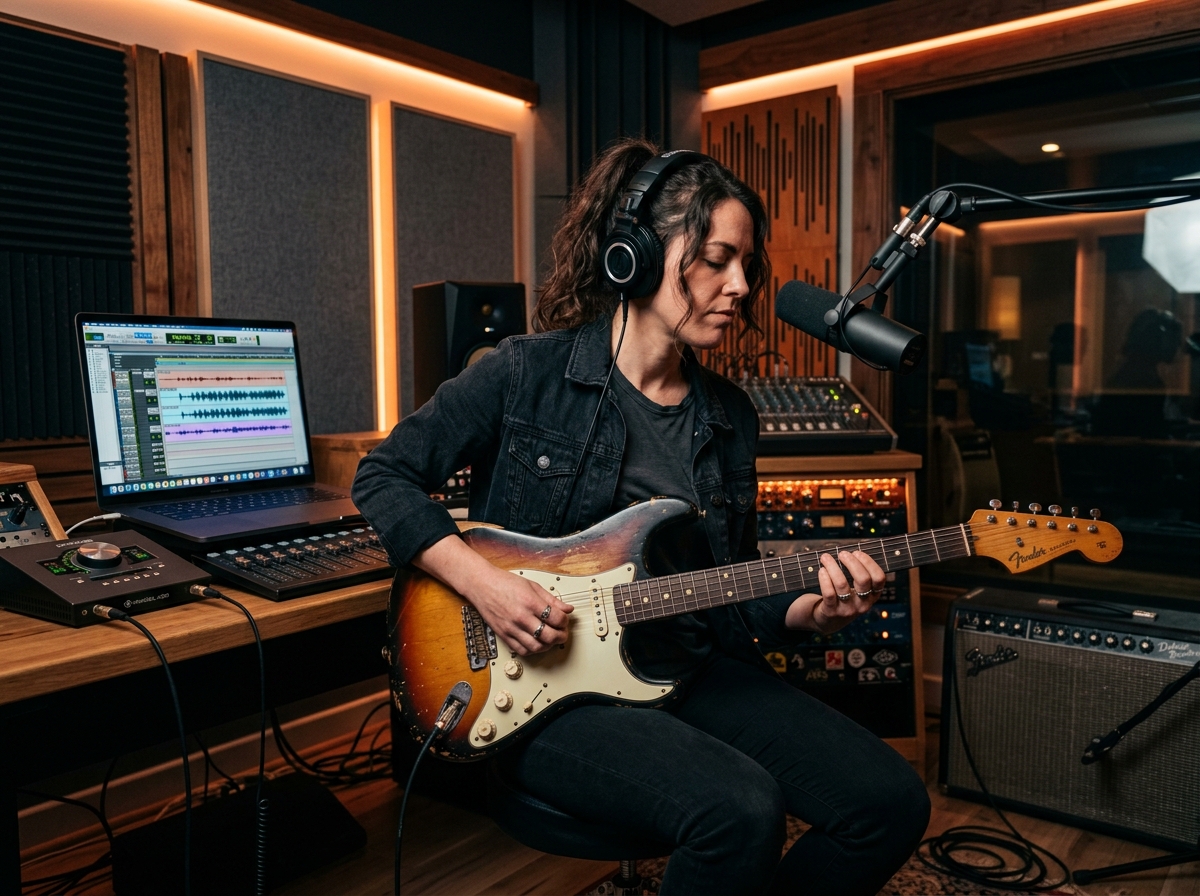
Vocalist recording in a studio booth
Video & talkback

See the room. Direct the take.

Hardware-accelerated video keeps everyone in frame with minimal CPU load, and a dedicated talkback channel keeps communication easy.

  • HD video, hardware-accelerated
  • Full resolution screen sharing
  • Dedicated talkback audio channel
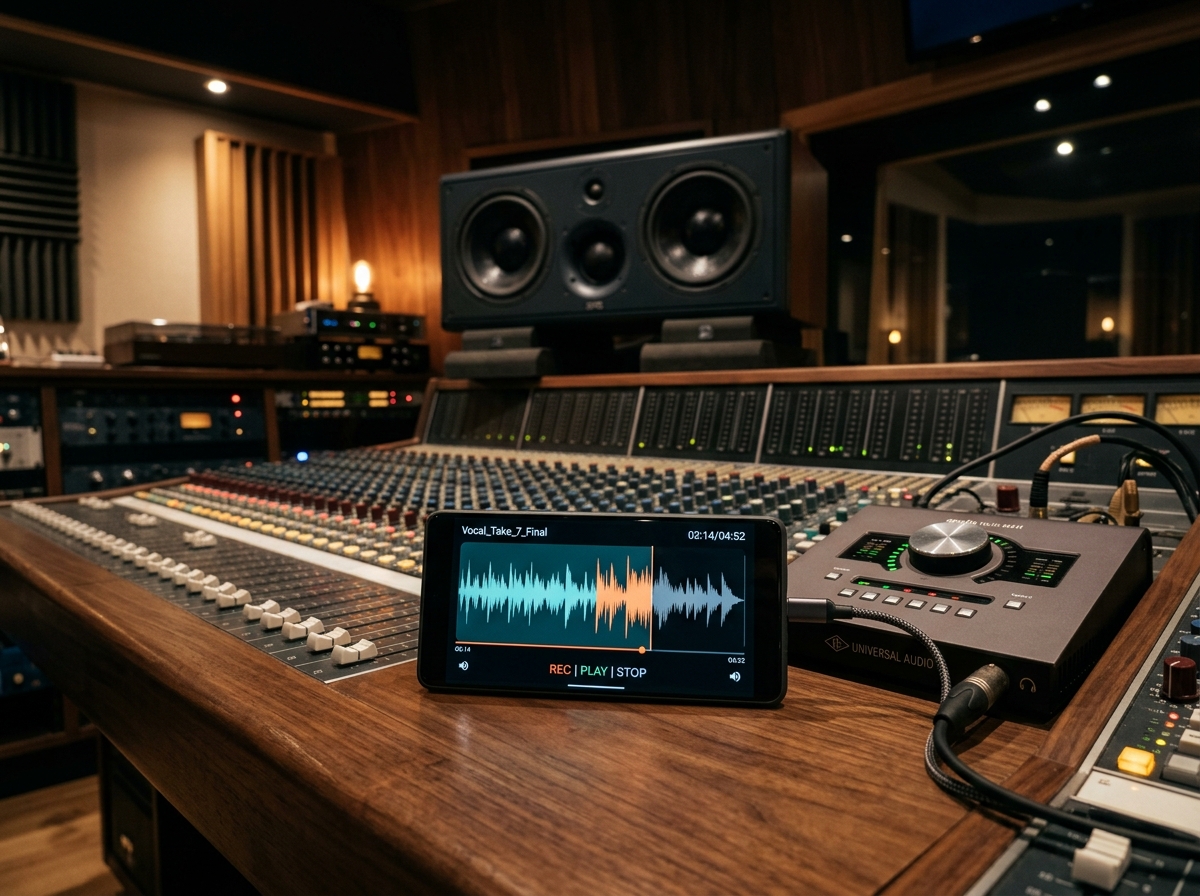
Reel-to-reel tape machine playing back a session
Browser listen-in

Send a link. They hear the session.

Every session has a private link that opens in any browser. Clients, artists and labels can listen in live — no install, no account, nothing to set up on their end.

  • Lossless audio straight to the browser
  • The link is the invite — nothing to install
  • Guests can switch on camera and mic to join the conversation
Built for the way you work

Everything in one fast, simple app

Fully native code

Built from the ground up in C++ for optimal performance. No browser required.

Lossless PCM

16/24/32-bit at 48 or 96kHz — pristine audio from end to end.

Unified VST3/AU

One plugin for send and receive, with unlimited instances per session.

Hardware-accelerated video

Smooth, low-overhead HD video with a dedicated talkback channel.

Any host rate

Transparent high-quality resampling adapts to whatever your DAW runs at.

Auto companion mode

When you load a plugin in a DAW, Kormix switches instantly to companion mode — no menus, no clicks, no friction.

Encrypted in transit

Audio is AES-GCM encrypted on the wire and integrity-checked packet by packet, so anything altered or damaged is rejected rather than played.

Nothing to tune

Kormix measures your connection and sizes its own buffers, then keeps re-checking as the link moves. No jitter figures, no buffer sizes to guess at.

Per-stream recording

Arm any channel and Kormix writes it to disk as it arrives — ahead of your fader, so your mix never reaches the file. Drag a take onto a DAW track.

The technical bit

Pro specs, no compromises

48 / 96 kHz

Session sample rates

16 / 24 / 32-bit

PCM bit depths

VST3 & AU

Plugin formats

Send + Receive

Per instance

Unlimited

Plugin instances

Any rate

Host sample-rate support

HD video

Hardware-accelerated

macOS · Win

Platforms (iOS soon)

Available on
macOS Windows iOS — coming soon
Works with your DAW
Logic Pro Ableton Live Cubase Studio One REAPER FL Studio Bitwig Studio GarageBand Any VST3 / AU host Pro Tools (AAX) — coming soon
Questions

Good questions, straight answers

What do my collaborators need?

The free Kormix app and your invite. Only the person starting the session ever needs a paid plan — everyone who joins uses Kormix free, and a guest in a browser needs nothing but the link.

Does it work with my DAW?

Kormix works with any DAW that hosts VST3 or AU plugins — each instance sends or receives a stereo stream, with as many instances as you like. No DAW open? The app carries your audio interface directly.

How is this different from a video call?

Meeting apps compress audio for speech: they duck it, gate it and throw detail away. Kormix carries uncompressed PCM audio that never goes through a voice codec — and runs video and talkback alongside it, so you can still see the room and direct the take.

What about latency?

Sessions run on dedicated machines in regions around the world, and Kormix picks the one closest to you. It then measures your connection, sizes its own buffers and keeps re-checking as the link moves — there is nothing to type in and no buffer to adjust. One performance control lets each listener trade latency against resilience to suit their connection and the job at hand.

Is the audio really lossless?

Yes. 16, 24 or 32-bit PCM at 48 or 96 kHz, end to end — no lossy codec anywhere in the path. Your takes arrive exactly as they left, ready to drop into the mix.

Is it private?

Sessions are invite-only, and every audio packet is AES-GCM encrypted on the wire with an integrity check of its own — a packet that has been altered or damaged in transit is rejected rather than played. The browser link is unguessable, and it dies with the session.

Stay in the loop

Get Kormix

Download the app to get started, or drop your email and we'll keep you posted on new updates.

Download the app